My work
My work is your own queue. Instead of looking through Actions and Campaigns for the things that are yours, they are listed in one place, most urgent first. The number beside My work in the sidebar is how many open items you have.
Members and viewers land on My work when they sign in. Owners and admins land on Home. If you belong to more than one organisation you land on Customers instead. If you followed a link to a particular page, you go there instead.
What is listed
- Actions assigned to you that are open, in progress or blocked. Resolved, closed and cancelled actions are not listed.
- Policy acknowledgements addressed to you in an active campaign.
- Access reviews where you are a named reviewer in an active campaign. A review is one entry per campaign, with the number of entitlements still to review. Only owners and admins can decide access reviews, so members and viewers do not see them here.
- Findings assigned to you that are still to be dealt with (new, open or in progress). They are dated by their SLA due date and sit in the buckets below. Risk-accepted and closed findings are not listed.
- Unassigned, High and above: open findings with no owner whose effective severity (a person's override, else the AI-adjusted severity) is High or Critical. This is the queue to pick from, so none go unowned; open a finding to take it. It is listed last, under its own heading, and is not counted in the sidebar number, which is only your own work. Viewers do not see it.
Only your own items appear, and only from the organisation you are signed in to. You cannot see a colleague's queue here; their assigned actions are on the Actions page. Evidence renewals are not listed yet, because they cannot be assigned to a person.
Buckets
Every item is in exactly one bucket:
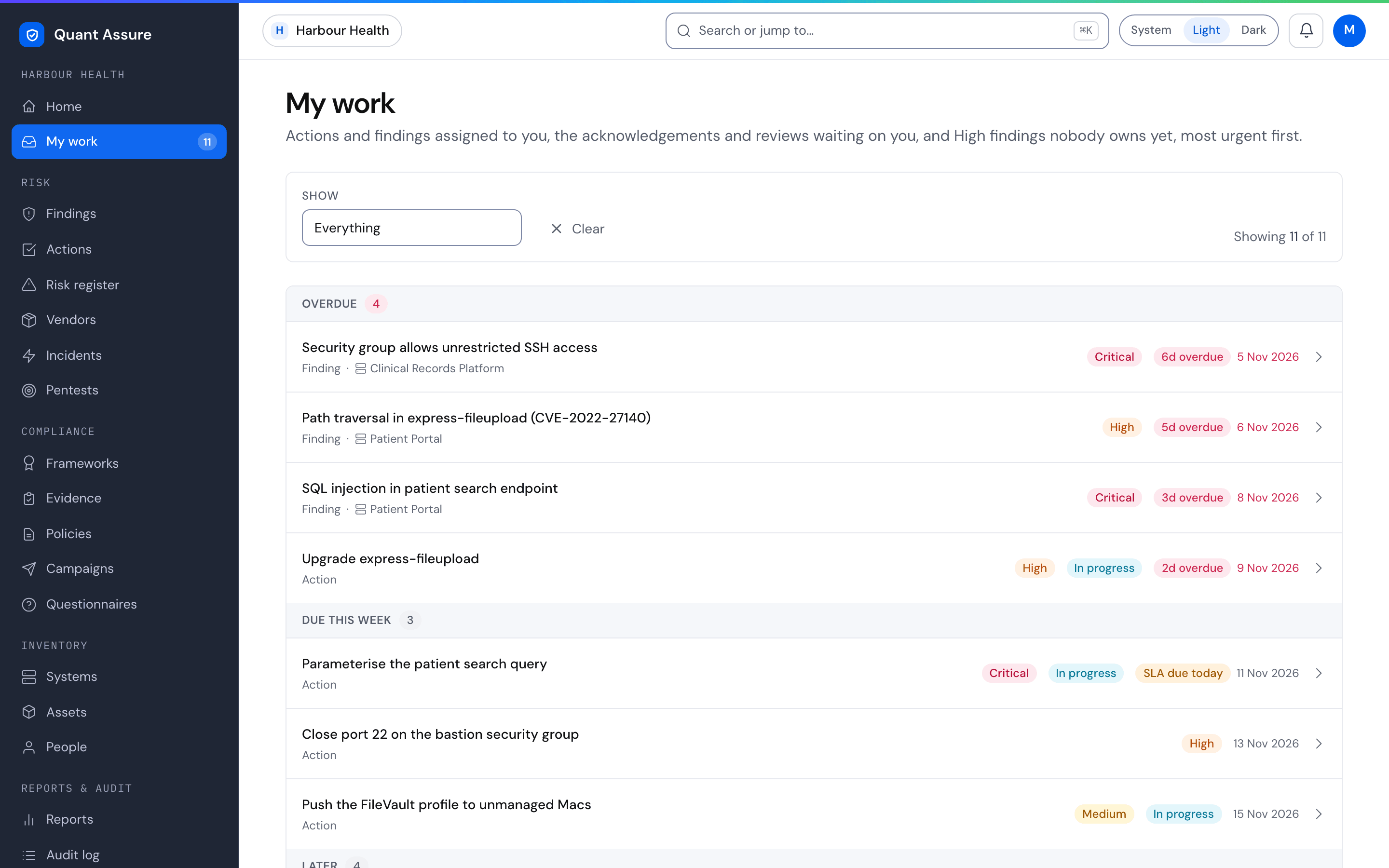
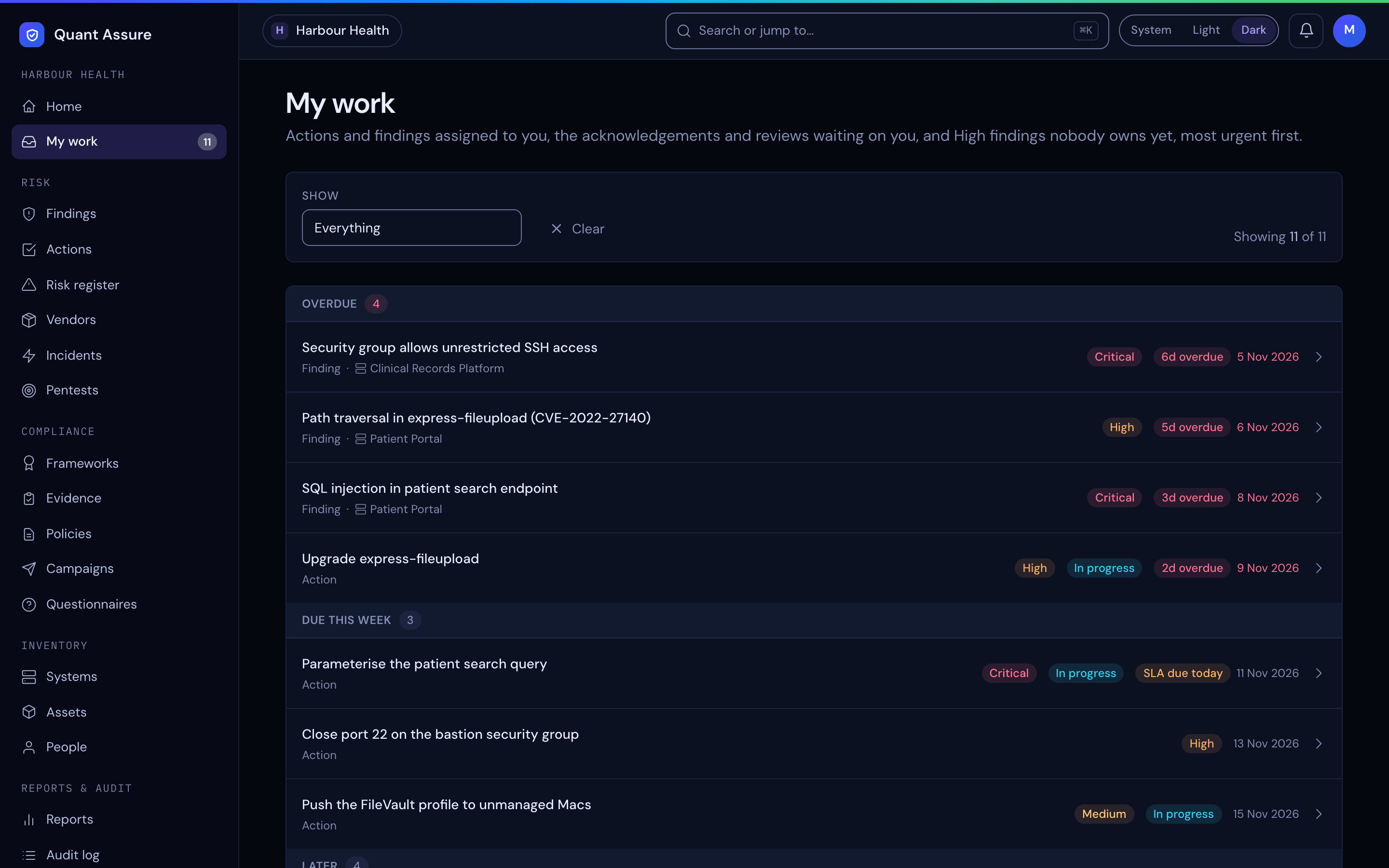
- Overdue: the due date has passed.
- Due this week: due in the next 7 days.
- Later: due after that, or with no due date.
- Waiting on others: blocked actions. A blocked action is still open and its due date keeps running, but it needs someone else before you can continue, so it is listed last, with the reason it is blocked, even when it is overdue.
Within a bucket, items are ordered by due date, then by effective severity. An action linked to a finding uses that finding's effective severity (a person's override, else the AI-adjusted severity, else the scanner's); otherwise it uses the severity its priority maps to.
Due dates
Action due dates come from your SLA policy: the due date of the linked finding, or your SLA days for the action's priority. Assigned findings use their own SLA due date. When an item is overdue or close to its due date, a label beside the date, such as 3d overdue or SLA 2d left, shows by how much. Campaign items use the campaign's due date.
Filters
The Show menu above the list starts on Everything and has three filters:
- Assigned to me: actions and findings you own.
- Needs my decision: acknowledgements to give and access reviews to complete.
- Unassigned, High and above: findings with no owner yet.
The filter and page are kept in the page address, so you can bookmark a view.